blob: 7aef771a945ef007b39e9c6564af490fc309b77f (
plain)
1
2
3
4
5
6
7
8
9
10
11
12
13
14
15
16
17
18
19
20
21
22
23
24
25
26
27
28
29
30
31
32
33
34
35
36
37
38
39
40
41
42
43
44
45
46
47
48
49
50
|
# Plugin Loader [](https://discord.gg/ZU74G2NJzk)
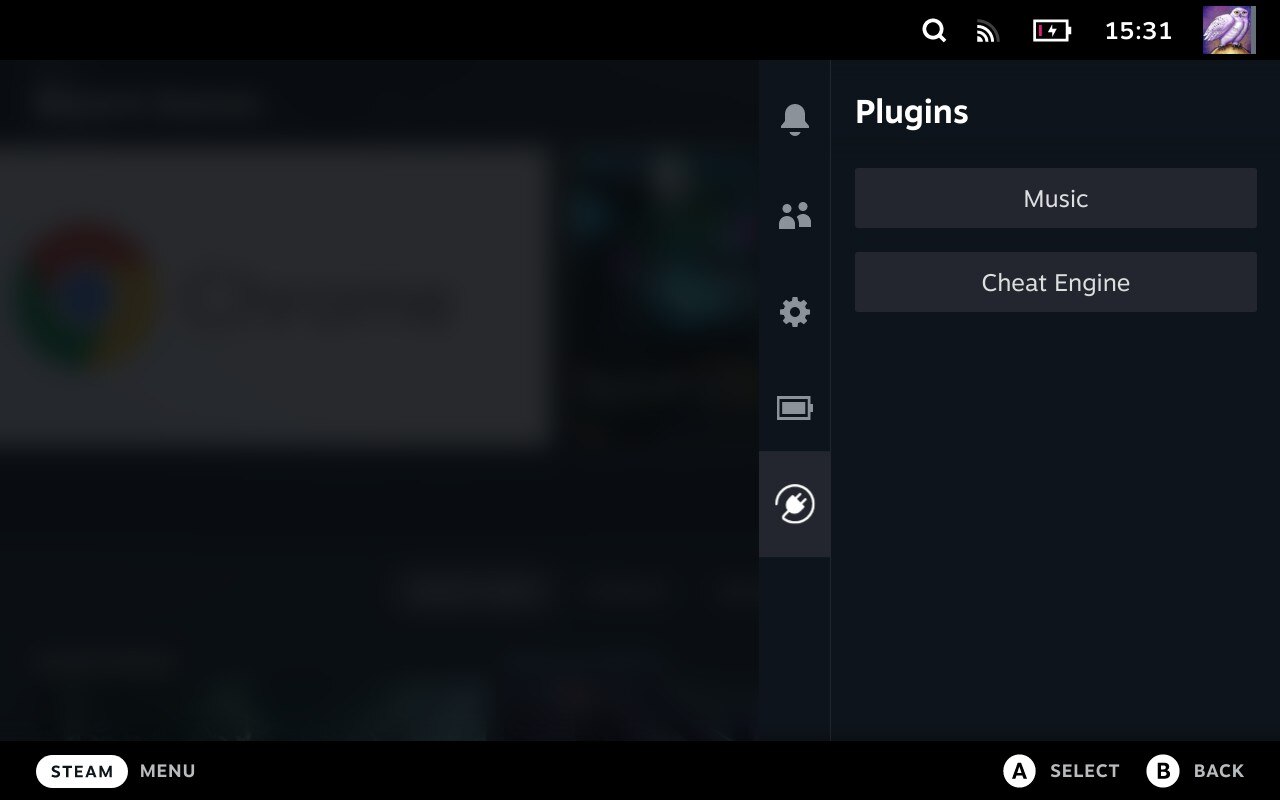
Keep an eye on the [Wiki](https://deckbrew.xyz) for more information about Plugin Loader, documentation + tools for plugin development and more.
## Installation
1. Go into the Steam Deck Settings
2. Under System -> System Settings toggle `Enable Developer Mode`
3. Scroll the sidebar all the way down and click on `Developer`
4. Under Miscellaneous, enable `CEF Remote Debugging`
5. Click on the `STEAM` button and select `Power` -> `Switch to Desktop`
6. Make sure you have a password set with the "passwd" command in terminal to install it ([YouTube Guide](https://www.youtube.com/watch?v=1vOMYGj22rQ)).
7. Open a terminal and paste the following command into it:
- For users:
- `curl -L https://github.com/SteamDeckHomebrew/PluginLoader/raw/main/dist/install_release.sh | sh`
- For plugin developers:
- [Wiki Link](https://deckbrew.xyz/en/loader-dev/development)
7. Done! Reboot back into Gaming mode and enjoy your plugins!
### Install/Uninstall Plugins
- Using the shopping bag button in the top right corner, you can go to the offical ["Plugin Store"](https://plugins.deckbrew.xyz/)
- Simply copy the plugin's folder into `~/homebrew/plugins`
- Use the settings menu to uninstall plugins, this will not remove any files made in different directories by plugins.
### Uninstall
- Open a terminal and paste the following command into it:
- `curl -L https://github.com/SteamDeckHomebrew/PluginLoader/raw/main/dist/uninstall.sh | sh`
## Features
- Clean injecting and loading of one or more plugins
- Persistent. It doesn't need to be reinstalled after every system update
- Allows 2-way communication between the plugins and the loader.
- Allows plugins to define python functions and run them from javascript.
- Allows plugins to make fetch calls, bypassing cors completely.
## Developing plugins
- There is no complete plugin development documentation yet. However a good starting point is the [Plugin Template](https://github.com/SteamDeckHomebrew/decky-plugin-template) repository.
## [Contribution](https://deckbrew.xyz/en/loader-dev/development)
- Please consult the [Wiki](https://deckbrew.xyz/en/loader-dev/development) for installing development versions of PluginLoader.
- This is also useful for Plugin Developers looking to target new but unreleased versions of PluginLoader.
- [Here's how to get the Steam Deck UI on your enviroment of choice.](https://youtu.be/1IAbZte8e7E?t=112)
- (The video shows Windows usage but unless you're using Arch WSL/cygwin this script is unsupported on Windows.)
Source control and deploying plugins are left to each respective contributor for the cloned repos in order to keep depedencies up to date.
## Credit
The original idea for the concept is based on the work of [marios8543's steamdeck-ui-inject](https://github.com/marios8543/steamdeck-ui-inject) project.
|
