blob: 414aee4704adc9605bfdb83d2ef88b3cb7abccba (
plain)
1
2
3
4
5
6
7
8
9
10
11
12
13
14
15
16
17
18
19
20
21
22
23
24
25
26
27
28
29
30
31
32
33
34
35
36
37
38
39
40
41
42
|
# Plugin Loader [](https://discord.gg/ZU74G2NJzk)
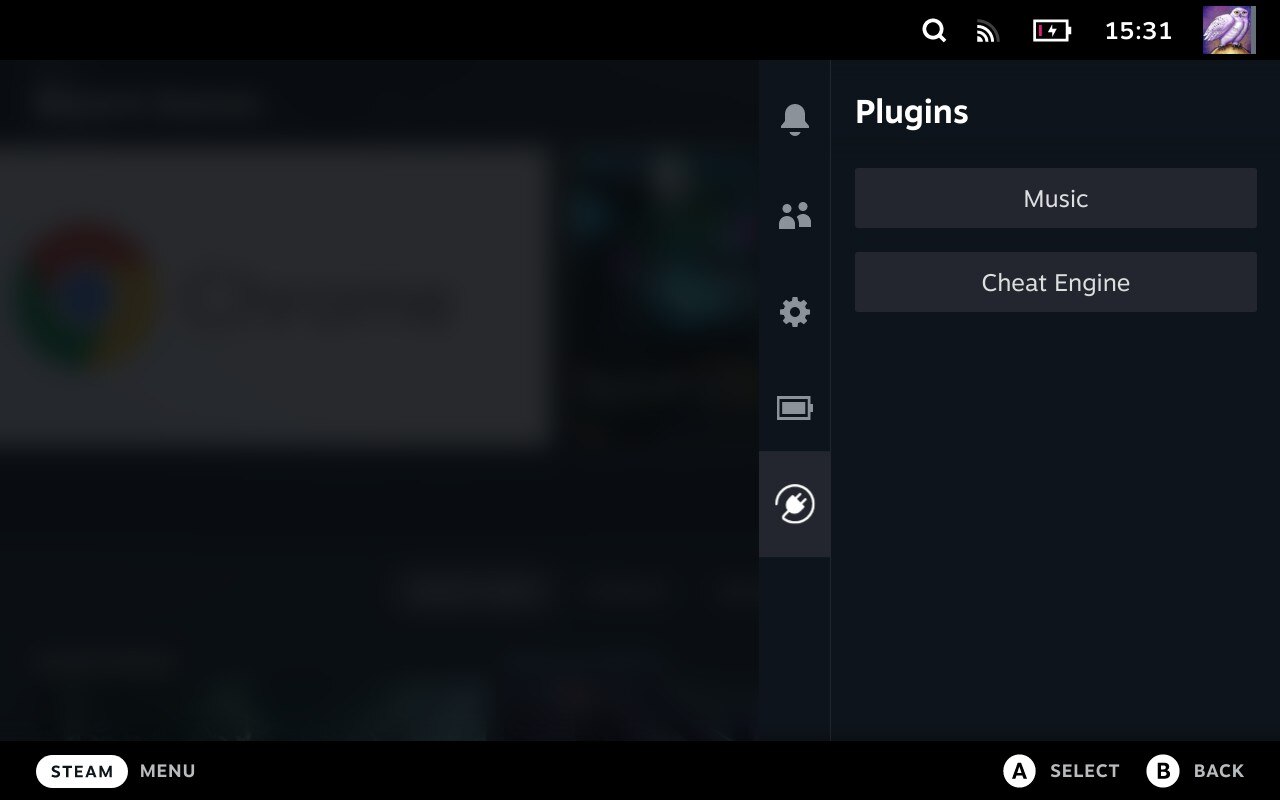
## Installation
1. Go into the Steam Deck Settings
2. Under System -> System Settings toggle `Enable Developer Mode`
3. Scroll the sidebar all the way down and click on `Developer`
4. Under Miscellaneous, enable `CEF Remote Debugging`
5. Click on the `STEAM` button and select `Power` -> `Switch to Desktop`
6. Open a terminal and paste the following command into it:
- For users:
- `curl -L https://github.com/SteamDeckHomebrew/PluginLoader/raw/main/dist/install_release.sh | sh`
- For developers:
- `curl -L https://github.com/SteamDeckHomebrew/PluginLoader/raw/main/dist/install_nightly.sh | sh`
8. Done! Reboot back into Gaming mode and enjoy your plugins!
### Install Plugins
- Simply copy the plugin's folder into `~/homebrew/plugins`
### Uninstall
- Open a terminal and paste the following command into it:
- For both users and developers:
- `curl -L https://github.com/SteamDeckHomebrew/PluginLoader/raw/main/dist/uninstall.sh | sh`
### Developing plugins
- There is no complete plugin development documentation yet. However a good starting point is the [Plugin Template](https://github.com/SteamDeckHomebrew/Plugin-Template) repository
## Features
- Clean injecting and loading of one or more plugins
- Persistent. It doesn't need to be reinstalled after every system update
- Allows 2-way communication between the plugins and the loader.
- Allows plugins to define python functions and run them from javascript.
- Allows plugins to make fetch calls, bypassing cors completely.
## Caveats
- You can only interact with the Plugin Menu via touchscreen.
## Credit
The original idea for the concept is based on the work of [marios8543's steamdeck-ui-inject](https://github.com/marios8543/steamdeck-ui-inject) project.
|
