
diff options
Diffstat (limited to 'README.md')
| -rw-r--r-- | README.md | 28 |
1 files changed, 15 insertions, 13 deletions
@@ -1,29 +1,31 @@ -# Plugin Loader [](https://discord.gg/ZU74G2NJzk) +# Decky Loader [](https://discord.gg/ZU74G2NJzk) -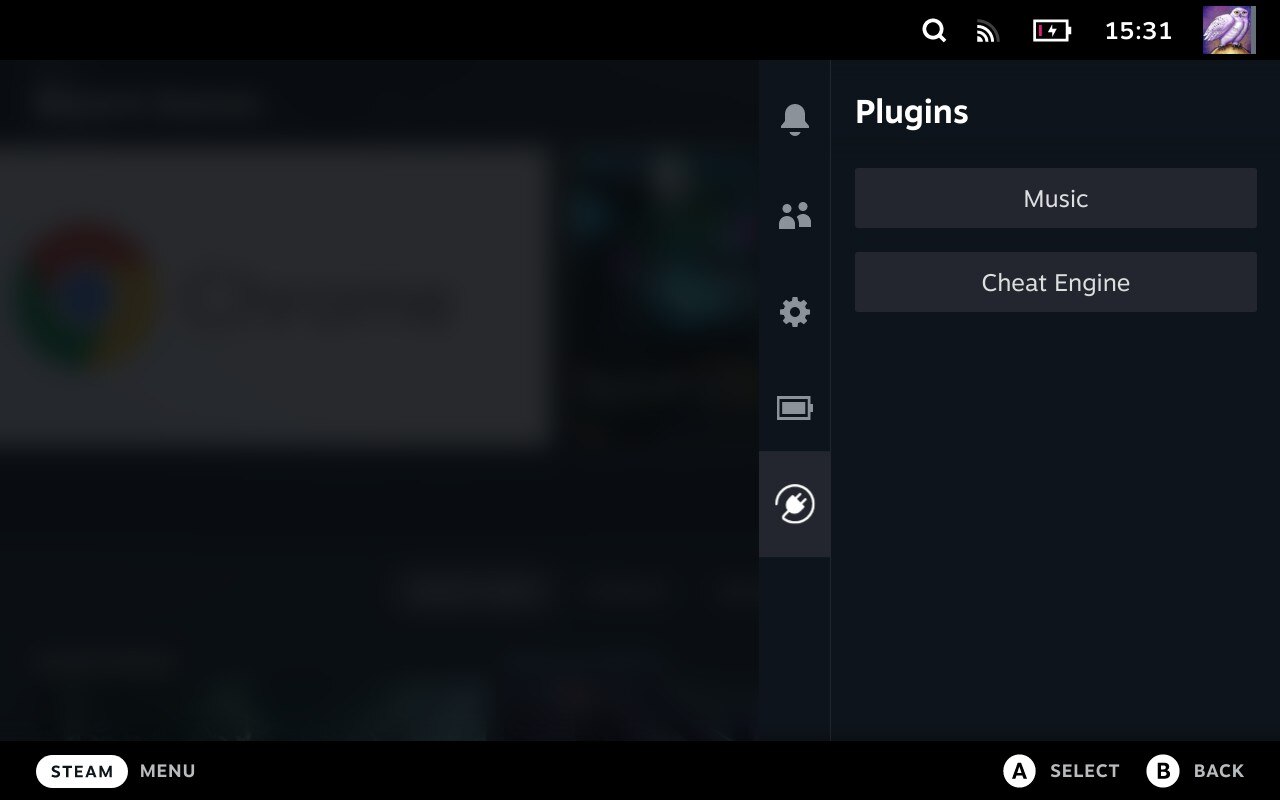 + -Keep an eye on the [Wiki](https://deckbrew.xyz) for more information about Plugin Loader, documentation + tools for plugin development and more. +Keep an eye on the [Wiki](https://deckbrew.xyz) for more information about Decky Loader, documentation + tools for plugin development and more. ## Installation 1. Go into the Steam Deck Settings 2. Under System -> System Settings toggle `Enable Developer Mode` 3. Scroll the sidebar all the way down and click on `Developer` 4. Under Miscellaneous, enable `CEF Remote Debugging` -5. Click on the `STEAM` button and select `Power` -> `Switch to Desktop` -6. Make sure you have a password set with the "passwd" command in terminal to install it ([YouTube Guide](https://www.youtube.com/watch?v=1vOMYGj22rQ)). -7. Open a terminal and paste the following command into it: +5. Confirm dialog and wait for system reboot +6. Click on the `STEAM` button and select `Power` -> `Switch to Desktop` +7. Make sure you have a password set with the "passwd" command in terminal to install it ([YouTube Guide](https://www.youtube.com/watch?v=1vOMYGj22rQ)). + - It will look like the password isn't typing properly. That's normal, it's a security feature (Similar to `***` when typing passwords online) +8. Open a terminal ("Konsole" is the pre-installed terminal application) and paste the following command into it: + - For the latest release: + - `curl -L https://github.com/SteamDeckHomebrew/decky-loader/raw/main/dist/install_release.sh | sh` - For the latest pre-release: - `curl -L https://github.com/SteamDeckHomebrew/decky-loader/raw/main/dist/install_prerelease.sh | sh` - For testers/plugin developers: - `curl -L https://github.com/SteamDeckHomebrew/decky-loader/raw/main/dist/install_prerelease.sh | sh` - [Wiki Link](https://deckbrew.xyz/en/loader-dev/development) - - For the legacy version (unsupported): - - `curl -L https://github.com/SteamDeckHomebrew/decky-loader/raw/legacy/dist/install_release.sh | sh` -7. Done! Reboot back into Gaming mode and enjoy your plugins! +9. Done! Reboot back into Gaming mode and enjoy your plugins! ### Install/Uninstall Plugins -- Using the shopping bag button in the top right corner, you can go to the offical ["Plugin Store"](https://plugins.deckbrew.xyz/) -- Simply copy the plugin's folder into `~/homebrew/plugins` +- Using the shopping bag button in the top right corner of the plugin menu, you can go to the offical Plugin Store ([Web Preview](https://beta.deckbrew.xyz/)). +- Install from URL in the settings menu. - Use the settings menu to uninstall plugins, this will not remove any files made in different directories by plugins. ### Uninstall @@ -41,8 +43,8 @@ Keep an eye on the [Wiki](https://deckbrew.xyz) for more information about Plugi - There is no complete plugin development documentation yet. However a good starting point is the [Plugin Template](https://github.com/SteamDeckHomebrew/decky-plugin-template) repository. ## [Contribution](https://deckbrew.xyz/en/loader-dev/development) -- Please consult the [Wiki](https://deckbrew.xyz/en/loader-dev/development) for installing development versions of PluginLoader. - - This is also useful for Plugin Developers looking to target new but unreleased versions of PluginLoader. +- Please consult the [Wiki](https://deckbrew.xyz/en/loader-dev/development) for installing development versions of Decky Loader. + - This is also useful for Plugin Developers looking to target new but unreleased versions of Decky Loader. - [Here's how to get the Steam Deck UI on your enviroment of choice.](https://youtu.be/1IAbZte8e7E?t=112) - (The video shows Windows usage but unless you're using Arch WSL/cygwin this script is unsupported on Windows.) |